Understanding Coverage in AI Home Maintenance Warranties
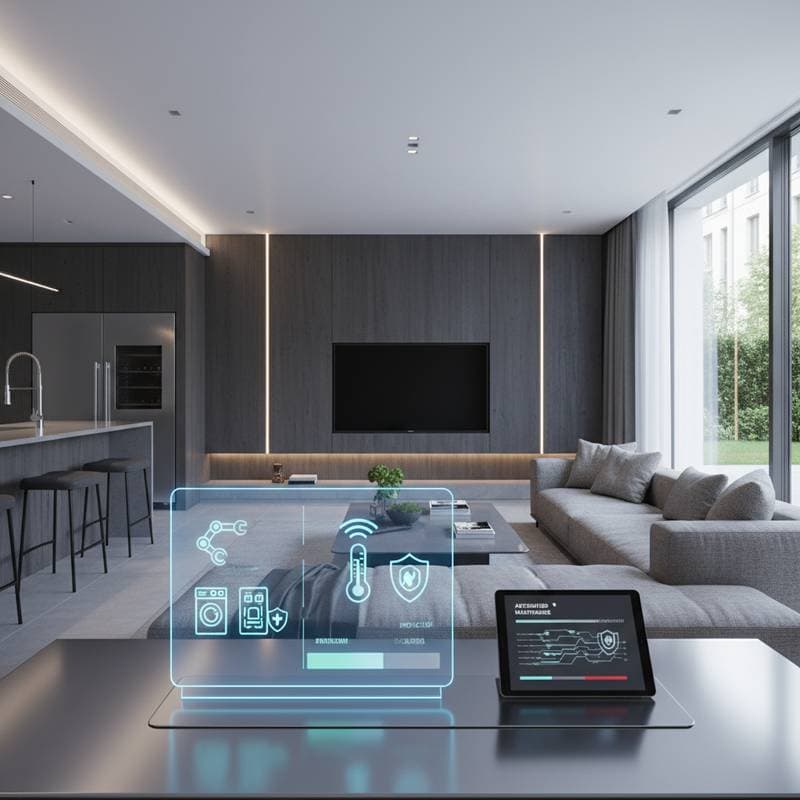
Homeowners increasingly integrate AI-driven systems to oversee essential functions such as heating, ventilation, and air conditioning (HVAC), plumbing, lighting, and security. These advanced setups deliver predictive maintenance alerts and seamless automated controls, enhancing efficiency and convenience. However, numerous buyers overlook the specifics of warranty protection, leading to unexpected challenges. This guide clarifies covered elements, exclusions, and strategies for interpreting terms effectively to safeguard investments in smart home technology.
Core Coverage Areas and Key Exclusions
Warranties for AI home maintenance systems primarily address manufacturing defects and inherent failures, rather than dissatisfaction with overall performance or external influences.
Elements typically covered:
- Faulty sensors, central hubs, or control modules that malfunction due to material or design flaws.
- Firmware errors that disrupt standard functionality, including issues resolved through official updates.
- Essential software patches needed to maintain compatibility across system components.
- Replacement of hardware parts that deteriorate under regular, intended use without abuse.
For instance, if a hub ceases operation because of a defective processor, the manufacturer often covers repair or replacement costs. Coverage extends to labor for diagnostics in many cases, provided the system operates within specified parameters.
Prevalent exclusions:
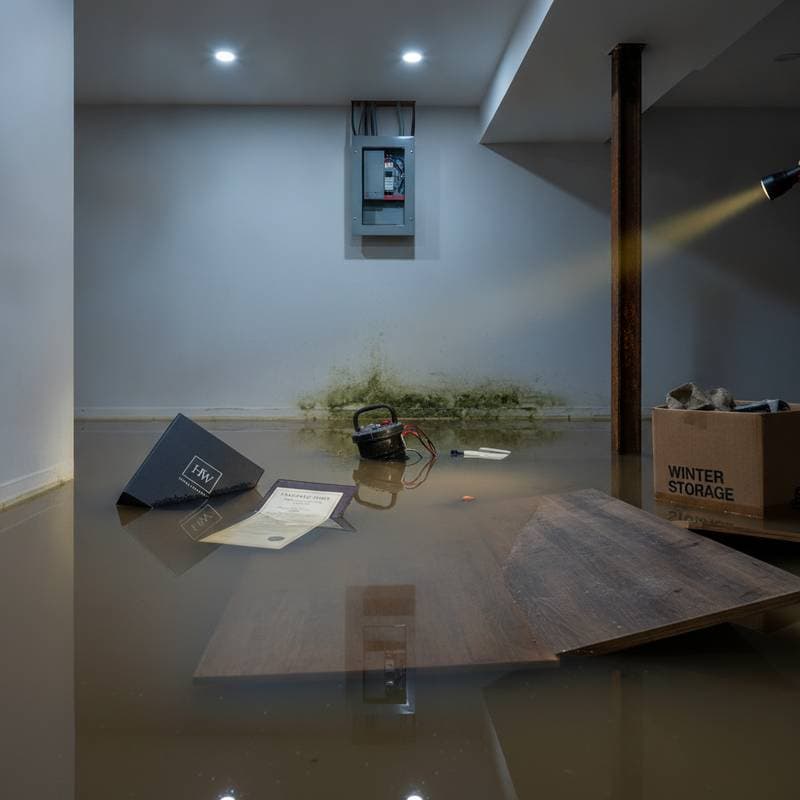
- Physical damage resulting from electrical surges, water exposure, or infestations by rodents or insects.
- Data corruption stemming from unauthorized third-party software or device integrations.
- Interruptions caused by internet outages, configuration errors by the user, or incompatible network setups.
- Expenses related to disassembly, relocation, or reinstallation of components.
- Modifications performed outside official firmware updates or application configurations, such as custom coding.
Consider a scenario where a sensor fails after exposure to floodwater; manufacturers classify this as environmental damage, denying claims. Similarly, user-induced errors, like incorrect Wi-Fi credentials, fall outside protection, emphasizing the need for professional oversight during setup.
Guide to Interpreting and Utilizing Warranty Terms
Navigating warranty documents requires systematic attention to detail to maximize benefits and avoid pitfalls.
-
Gather essential records. Compile purchase receipts, professional installation certificates, and unique serial numbers into a dedicated digital or physical folder. Absence of verified professional installation documentation often invalidates coverage entirely.
-
Verify the duration of protection. Standard warranties span one to three years for core AI components, with some providers extending prorated benefits beyond the initial period based on usage and condition.
-
Examine the coverage scope. This section delineates eligible parts, software versions, and operational conditions. Only explicitly listed items qualify for support.
-
Identify exclusion clauses. Review these thoroughly, as they outline scenarios where reimbursement does not apply, such as wear from extreme temperatures.
-
Review the claims procedure. Processes frequently mandate online submission of system-generated diagnostic reports and error logs to initiate evaluation.
-
Clarify shipping responsibilities. Certain policies require owners to pay for inbound and outbound transportation of defective units, adding unforeseen costs.
Focus particularly on phrases like "not covered" or "void if"; these indicators reveal potential out-of-pocket expenses. Consulting a trusted advisor or the manufacturer's support team can illuminate ambiguous language before purchase.
Avoidable Errors That Invalidate Warranties
A significant portion of denied claims arises from user actions that compromise system integrity, often detectable through embedded logging features.
- Positioning sensors near high-heat emitters, such as radiators, or in areas exposed to prolonged sunlight, which accelerates component degradation.
- Neglecting firmware updates for extended periods, exceeding recommended intervals of six months, leading to unpatched vulnerabilities.
- Employing non-official applications or custom automation scripts that interfere with core operations.
- Altering electrical wiring without utilizing manufacturer-approved connectors, risking short circuits.
- Overlooking mandatory calibration procedures post-installation, which ensure accurate sensor readings.
Manufacturers access these logs during claim reviews, using them to assess compliance. For example, a skipped update might correlate with a failure, prompting denial. Proactive adherence to guidelines preserves eligibility for future support.
Professional Installation Versus Do-It-Yourself Approaches
The DIY Gate framework provides a structured method for evaluating whether self-installation or repairs suit a given situation, balancing cost savings against risks.
-
Assess personal expertise. Individuals experienced in electrical tasks, such as wiring smart thermostats or swapping outlets, might manage straightforward sensor placements. However, complex integrations demand specialized knowledge.
-
Evaluate safety implications. Systems interfacing with gas lines, high-voltage panels, or water supplies pose hazards; professional intervention prevents accidents and ensures code compliance.
-
Confirm access to tools. Essential equipment includes multimeters for voltage checks, crimping tools for secure connections, and proprietary diagnostic applications. Without these, outcomes prove unreliable.
Opting for DIY can reduce labor fees by 150 to 400 dollars per project, yet a minor error, like improper grounding, may nullify warranties valued at thousands. When in doubt, prioritize certified technicians to maintain coverage integrity.
Frequent System Failures and Practical Resolutions
AI home maintenance systems occasionally encounter disruptions, many of which resolve through basic troubleshooting before escalating to warranty claims.
Common problems:
- Sudden power losses or activations of ground fault circuit interrupter (GFCI) breakers.
- Disconnections due to router failures or shifts in network IP configurations.
- Depleted sensor batteries or buildup of corrosion on contact points.
- Temporary freezes in software following recent firmware installations.
Additional issues include interference from nearby devices or outdated mobile applications that hinder synchronization.
Effective troubleshooting steps:
- Power cycle the central hub by unplugging it for at least 30 seconds, then reconnecting to reset temporary glitches.
- Restart the router and verify that all devices appear on the local network through the management interface.
- Inspect and replace batteries in sensors, cleaning terminals with a soft cloth to remove residue.
- Uninstall and reinstall the control application, followed by re-pairing all connected devices to restore communication.
If initial efforts fail, capture screenshots of error messages and logs for submission. This preparation streamlines professional assistance or claim processes.
Sustaining Warranty Effectiveness Through Maintenance
To derive full value from AI home warranties, integrate routine upkeep into daily routines. Schedule firmware checks quarterly and log all interactions, from updates to calibrations, in a maintenance journal. This documentation demonstrates adherence to terms, fortifying positions during disputes. Ultimately, viewing the warranty as a partnership fosters long-term reliability for smart home ecosystems.